Accessing the Library’s Electronic Resources Off Campus
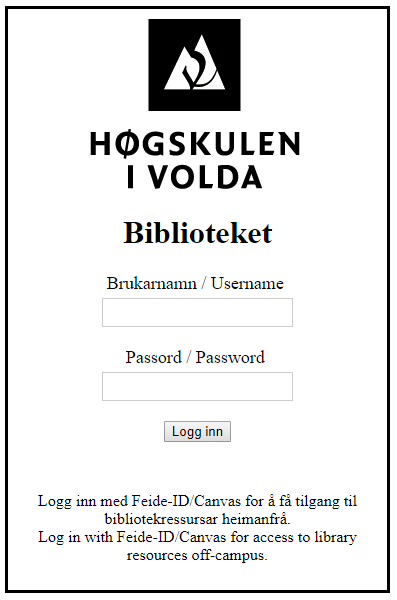
To access the library’s electronic resources (e.g., e-books and journal articles) when you are not on campus, you must log in using the username and password you have for Feide/Canvas.
Search in Oria
Most of our e-resources are available through Oria. Make sure that Volda University College is selected as your institution. If the article or e-book you are trying to open requires it, you will be prompted to log in.
Search in a Database
You can also search directly in one of the databases we subscribe to. For off-campus access, you must use the link to the database provided on the library’s website. You will be asked to log in if the database requires it.
Please contact the library if you have any questions about access.
LibKey Nomad
If you want to read electronic articles off campus, we recommend downloading a browser extension from LibKey Nomad.
Once installed, your browser will display an icon on web pages where electronic articles are available to HVO staff and students.
Simply click the icon, log in with Feide, and you can start reading the article.
More information and download options for the browser extension are available here: https://libkeynomad.com/