
User guide remote access
REMOTE ACCESS FOR STUDENTS
Open this address in your web browser: https://fjernarbeid.hivolda.no
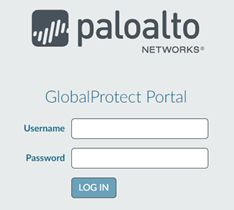
The paloalto login screen appears. Enter your FEIDE username and password:
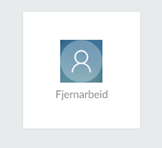
The "Fjernarbeid" icon appears. Click it.
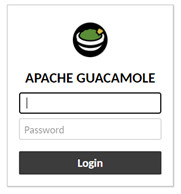
The Apache guacamole login screen appears. Enter your FEIDE username and password:
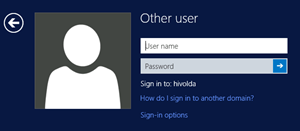
And finally, the Windows login screen. Enter your FEIDE username and password:
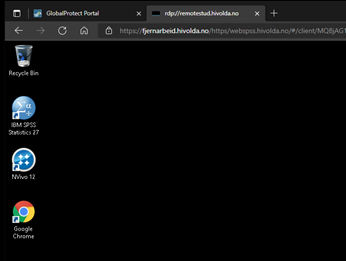
You arrive at the desktop for you virtual PC, and can run NVivo a.o.:
For further assistance, contact: it-kontoret@hivolda.no